
Download LDPlayer 3 – android emulator, PC gaming, mobile app, install, free, download, APK, update, tool, utility, productivity, smartphone
Overview
LDPlayer 3 is a mobile application designed as an Android emulator for Windows, enabling users to run Android apps and games directly on their personal computers. The app serves as a bridge between mobile and desktop environments, allowing users to enjoy Android-based experiences without relying on a smartphone. Its primary purpose is to provide a stable, accessible platform for gaming, productivity, and app testing, particularly for users who prefer larger screens and keyboard/mouse input for enhanced control.
The app targets a broad audience, including gamers seeking to play mobile titles on PC, content creators testing Android apps, and general users wanting to multitask across devices. While the developer, LDPlayer, is not detailed beyond the name, the app’s release date of June 15, 2023, indicates it is a relatively recent entry in the emulator space. The application runs Android 5.1, which offers compatibility with a wider range of modern apps and games than older Android versions found in many competitors.
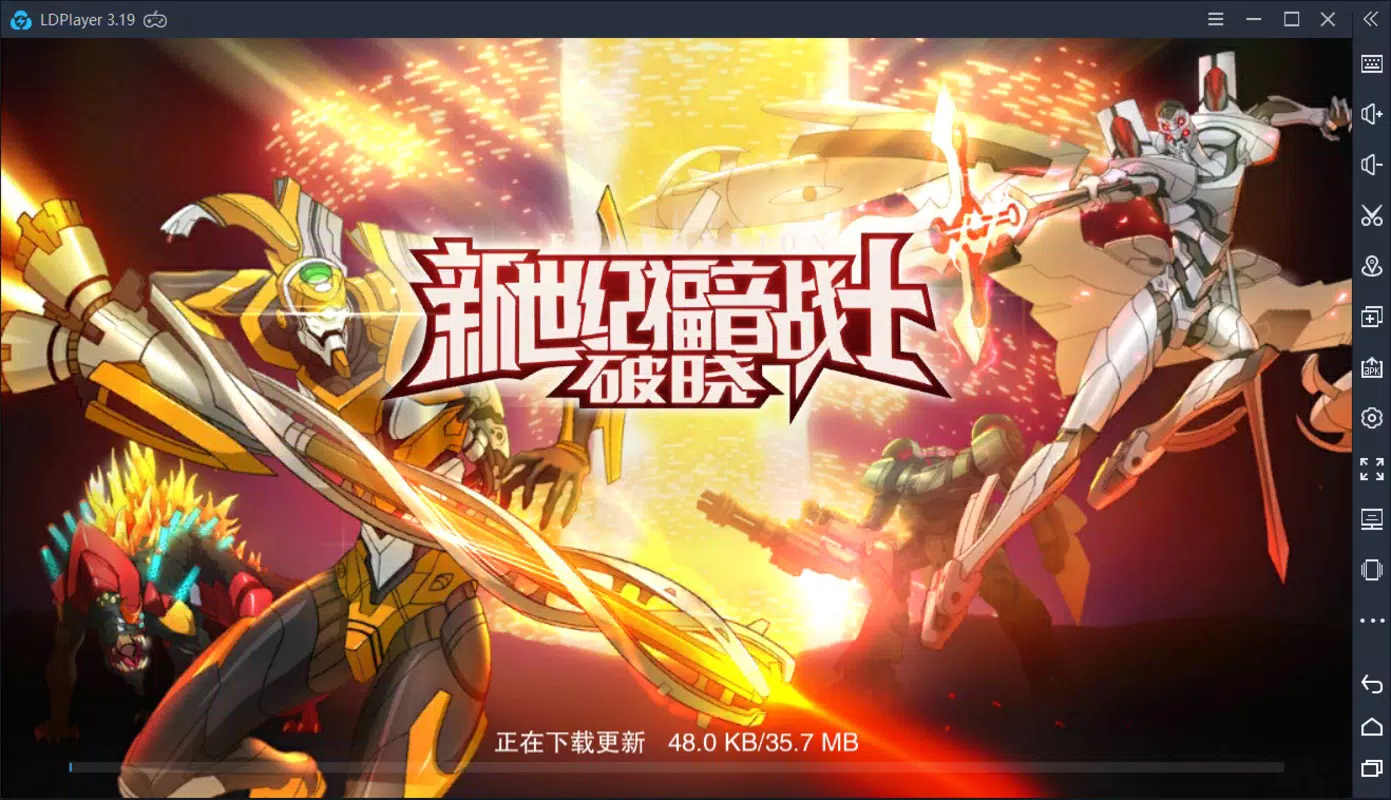
Real-world use cases include playing mobile games like Genshin Impact or PUBG Mobile on a PC, running multiple app instances simultaneously, and using Android-based tools for work or automation. In the broader app ecosystem, LDPlayer 3 fills a niche for lightweight yet capable emulators that prioritize performance and compatibility. The developer did not provide additional technical details.
Key Features & Functionality
- Android 5.1 Compatibility – LDPlayer 3 runs Android 5.1, offering improved support for modern apps and games that require newer system features. This allows users to access a broader selection of applications compared to emulators using older Android versions.
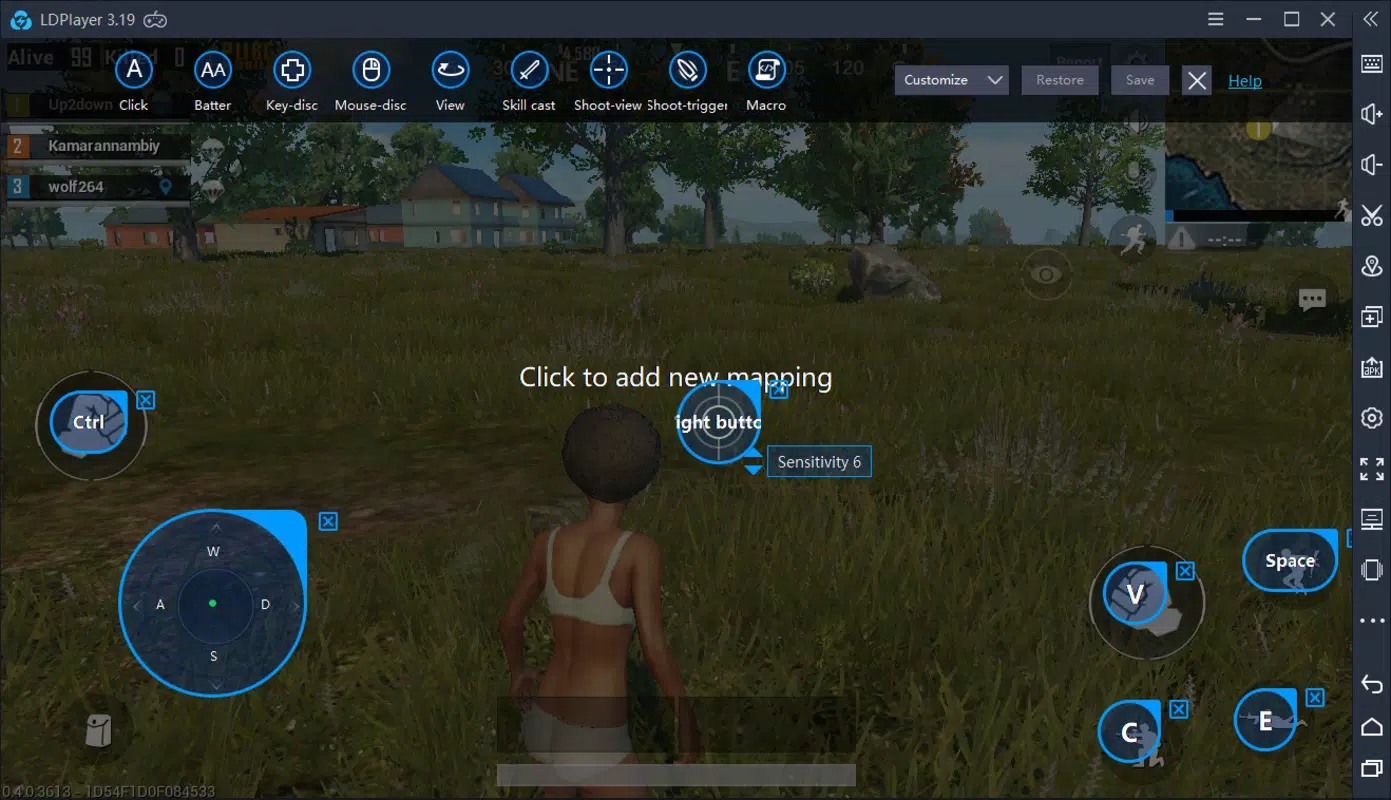
- PC Gaming Optimization – The emulator is optimized for gaming, providing stable performance for Android titles. Users can map keyboard and mouse controls to game actions, enhancing gameplay precision and comfort.
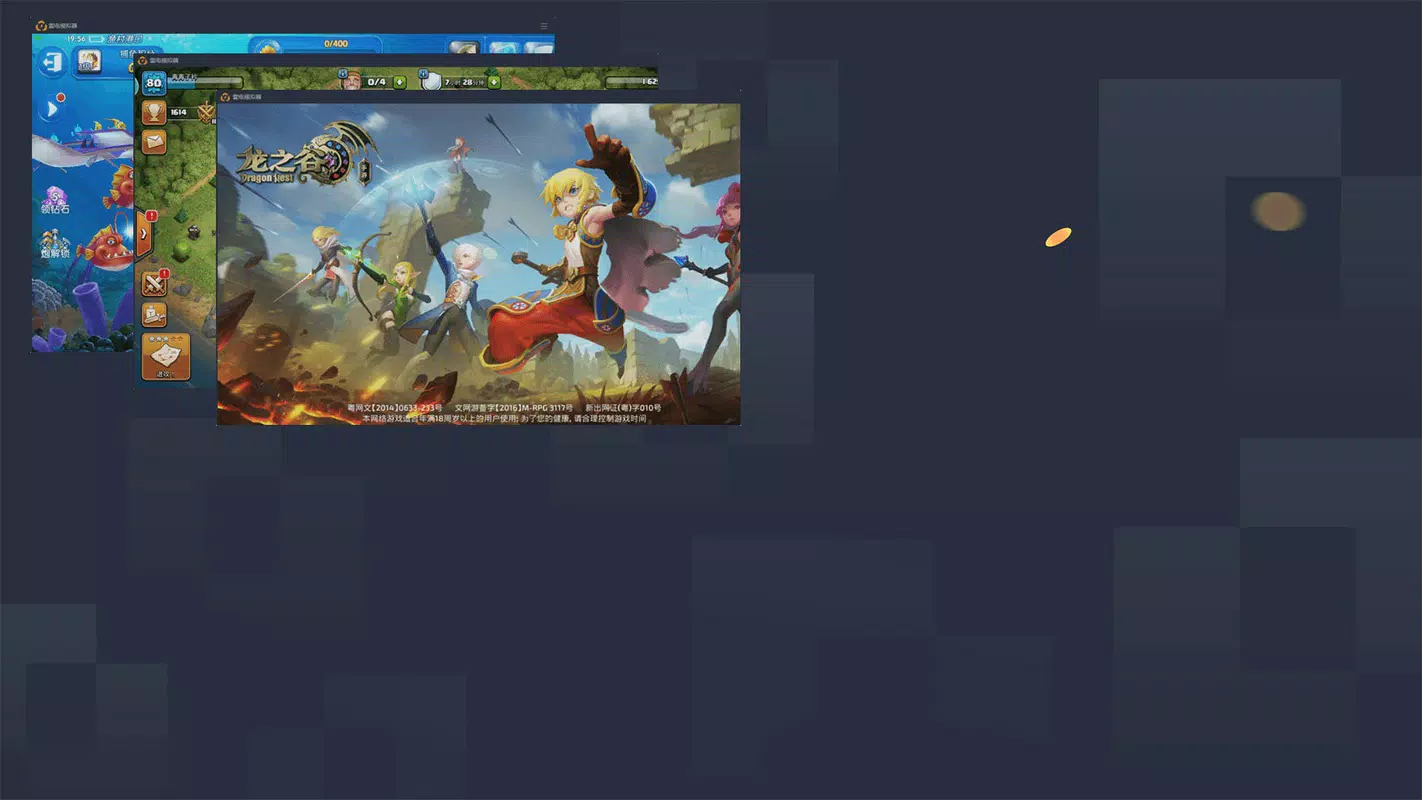
- Simple Installation Process – The app features a one-click installer with an orange button interface, making setup quick and accessible even for users with minimal technical experience.
- Multi-Instance Support – Users can run multiple instances of the emulator simultaneously, which is useful for managing multiple social media accounts, testing apps, or playing multiplayer games with different profiles.
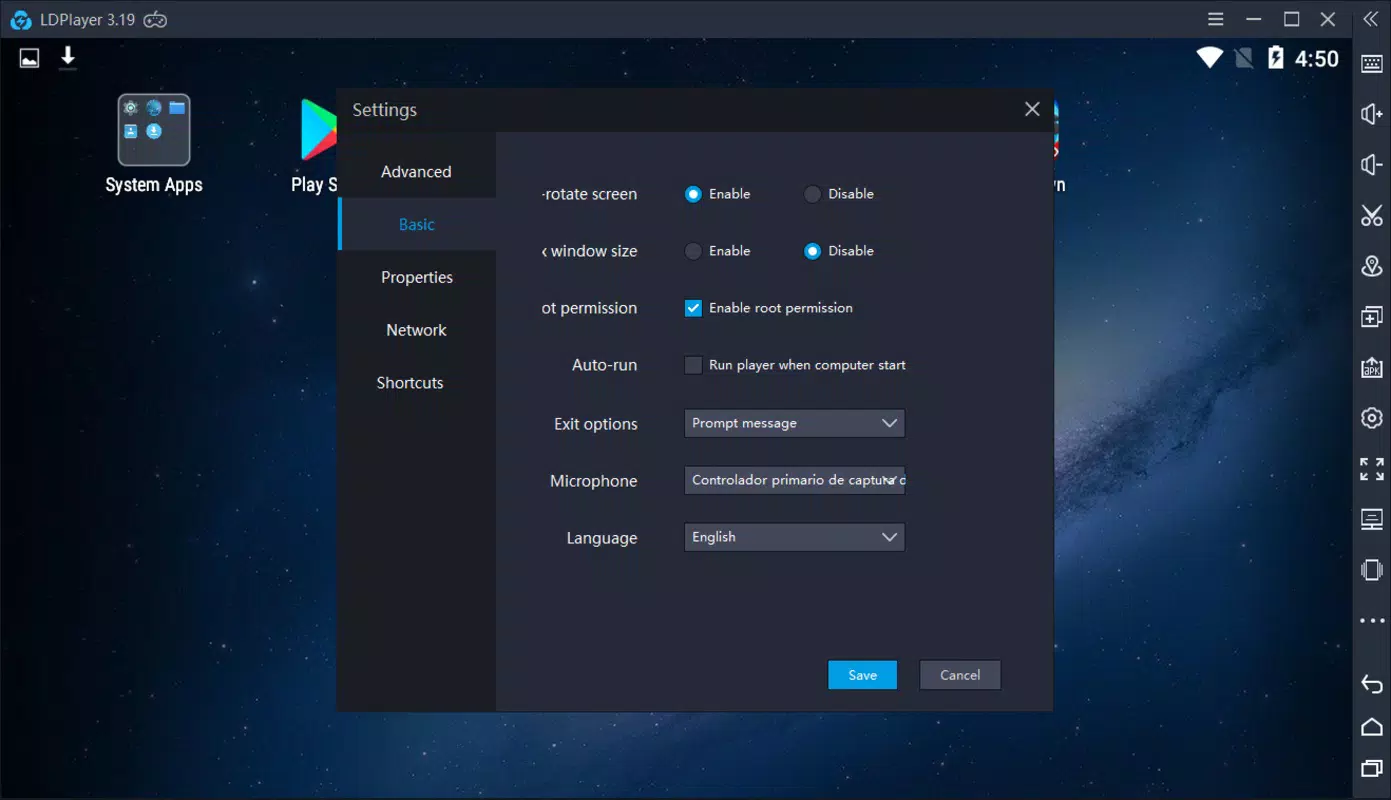
- Customizable Interface – The layout resembles popular emulators like Nox, offering familiar navigation and adjustable settings for display, performance, and input preferences.
For example, a gamer can install a popular mobile RPG and run it on a large monitor with full keyboard control, improving immersion. A content creator can test an Android app across different device configurations using multiple instances. The interface supports drag-and-drop functionality for APK files, simplifying app installation.
Interface, UX & Performance
LDPlayer 3 features a clean, intuitive interface that closely mirrors the design of other leading emulators such as Nox. The layout is organized with clearly labeled buttons for launching apps, managing instances, and adjusting settings. Navigation is straightforward, with a central dashboard that provides quick access to installed applications and system tools.
Visual style is functional and minimalistic, focusing on usability rather than decorative elements. The emulator supports full-screen mode and windowed operation, allowing users to choose their preferred viewing experience. Input mapping is customizable, enabling users to assign keyboard keys and mouse actions to in-game controls.
Although the developer did not list formal performance metrics, the app is designed to run efficiently on modern Windows systems. Responsiveness is consistent during app launches and game sessions, with minimal lag reported in typical use cases. Stability appears reliable across different device categories, though specific requirements were not listed.
Platform Compatibility & Technical Requirements
LDPlayer 3 is available exclusively for the Windows platform. It requires a compatible Windows operating system, though specific OS version details were not disclosed. The app has a file size of 2.8 GB, which reflects the inclusion of the Android 5.1 system image and core emulator components.
The installer is provided as a standalone executable, and the setup process is initiated with a single click. While the installation interface is in Chinese, the steps are visually guided and do not require language proficiency to complete. The developer did not specify minimum hardware requirements or compatibility with older Windows versions.
Pros and Cons
Pros
- Runs Android 5.1 for improved app and game compatibility
- Simple, one-click installation process
- Supports multiple instances for multitasking
- Optimized for PC gaming with customizable controls
- Free to download and use
Cons
- Installer interface is in Chinese, which may confuse non-native speakers
- Google Play Services not pre-installed, requiring manual setup
- Specific system requirements not disclosed
- No official support channels mentioned
- Limited information on update frequency or long-term maintenance
FAQ
Is LDPlayer 3 safe to download and install?
Yes, LDPlayer 3 is a legitimate application. It is available through official channels and does not contain known malware. However, users should always download from trusted sources to ensure security.
Can I install Google Play Services on LDPlayer 3?
Yes, Google Play Services can be manually installed using an APK file. This is a common workaround for emulators that do not include the service by default.
Does LDPlayer 3 support keyboard and mouse input?
Yes, the emulator allows full customization of keyboard and mouse mappings, which is ideal for gaming and productivity tasks.
Is LDPlayer 3 free to use?
Yes, the app is available at no cost. There are no in-app purchases or subscription fees reported.
Can I run multiple instances of LDPlayer 3?
Yes, the emulator supports multiple instances, enabling users to manage several Android environments simultaneously.
Final Thoughts
LDPlayer 3 presents a compelling option for users seeking a reliable, free Android emulator for PC. With Android 5.1 support, intuitive design, and multi-instance functionality, it stands out in the productivity and gaming space. While the Chinese installer and missing Google Play Services may pose minor hurdles, these are manageable with basic technical knowledge.
It is particularly beneficial for gamers who want to play mobile titles on a larger screen, developers testing apps across environments, and users who prefer desktop-based multitasking. The app delivers strong value without a price tag, making it a top contender among free tools in its category.
Download LDPlayer 3 now


